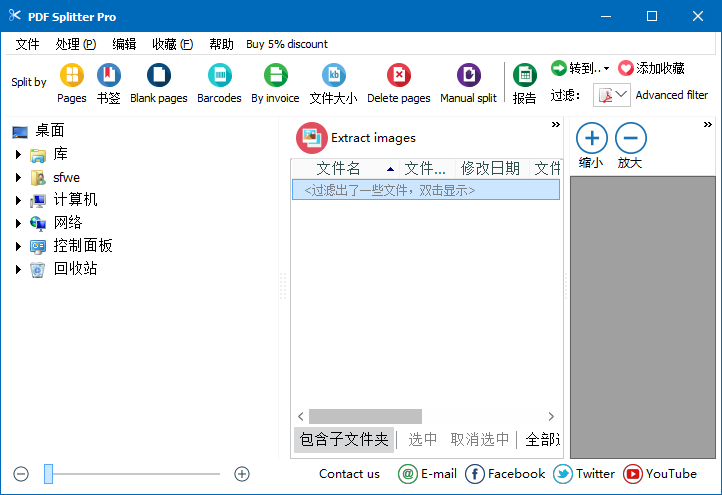
PDF Splitter特色
1.PDF分配器分割PDF文件轉(zhuǎn)換成單頁中點(diǎn)擊幾下。
2.拆分模式
PDF分割成單個(gè)的頁面,通過頁面范圍,由成組的頁面或刪除某些頁面。
3.通過拆分范圍
除某些頁面范圍為單獨(dú)的PDF文件。
4.PDF合并
結(jié)合任何PDF文件,包括密碼保護(hù)的。
5.文件序列
編輯文件序列在隊(duì)列中的合并模式下工作一段時(shí)間。
6.沒有限制
在網(wǎng)頁或PDF文檔允許的數(shù)量沒有限制。
PDF Splitter功能
不需要安裝Adobe Acrobat或者Reader;自動(dòng)處理多個(gè)PDF文件分割和合并過程;
重新安排文件中頁碼順序;
基于頁碼或者定制的頁碼范圍等分割PDF文件;
分割1個(gè)文件到多個(gè)單頁文件或者頁碼組合;
合并1個(gè)或多個(gè)PDF文件;
許多不同的分割和合并方式;
支持命令行和批處理;
支持XP/WIN7/WIN10系統(tǒng)
支持文件拖放;
PDF Splitter安裝方法
1.將kkx分享的壓縮包解壓出來,雙擊打開開始安裝,select the language to use during theinstallation: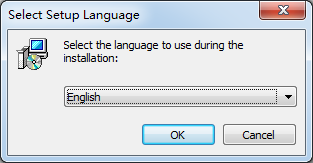
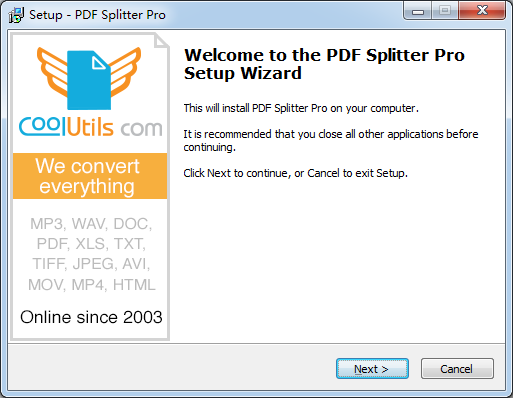
2.Welcome to the PDF Splitter Prosetup Wizard
This will install PDF Splitter Pro on your computer.
It is recommended that you cose all other applications beforecontinuing.
Click Next to continue, or Cancel to exit Setup.
點(diǎn)擊next繼續(xù)安裝
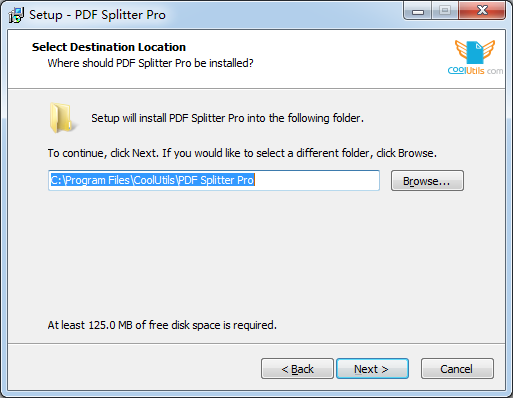
3.Select Destination Location
where should PDF Splitter Pro be installed?
setup will install PDF Splitter Pro into the following folder.
To continue, click Next. If you would like to select a different folder , click Browse.
點(diǎn)擊Browse選擇安裝位置,點(diǎn)擊next繼續(xù)安裝
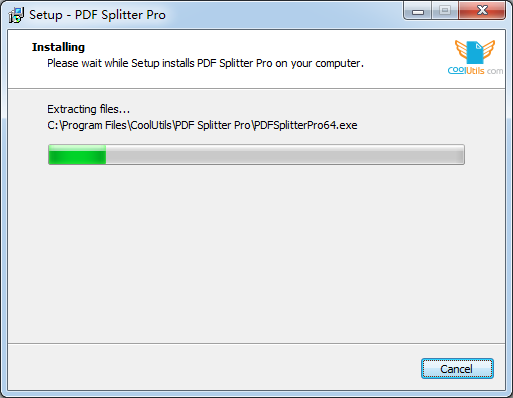
4.Installing
Please wait while Setup installs PDF Splitter Pro on your computer.
Extracting files...
C:Program Files\CoolUtilsVPDF Splitter ProVPDFSplitterPro64.exe
等待片刻
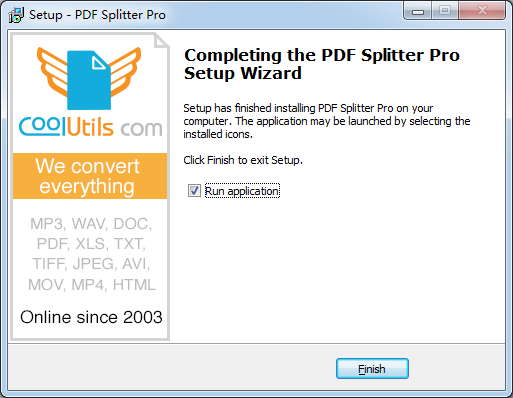
5.到這里,點(diǎn)擊Finish即可安裝成功
PDF Splitter漢化方法
1.打開軟件,點(diǎn)擊幫助—語言—中文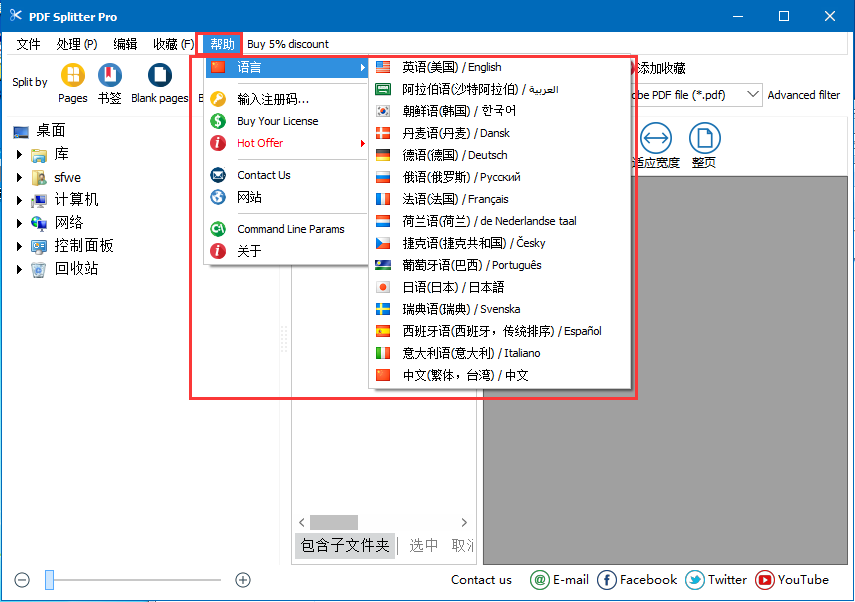
以上便是kkx給大家分享的PDF分割工具,需要分割PDF文件的用戶快來獲取吧!